Time, at a glance.
Give your speaker a clear view of the current time and remaining speaking time. A high-contrast stage display keeps the essentials easy to read.
FOR THE MOMENTS THAT MATTER
A clear countdown for your presenter. Simple control for your crew. Keep talks, panels and live events moving with StageScreen.
Stage Screen is now also available in your browser.
For presenters, event teams and everyone behind the scenes.
INSIDE THE APP
Real Android screenshots of the multilingual test version, using local Premium demo sessions. The current Google Play version may differ.
LESS DISTRACTION. MORE PRESENCE.
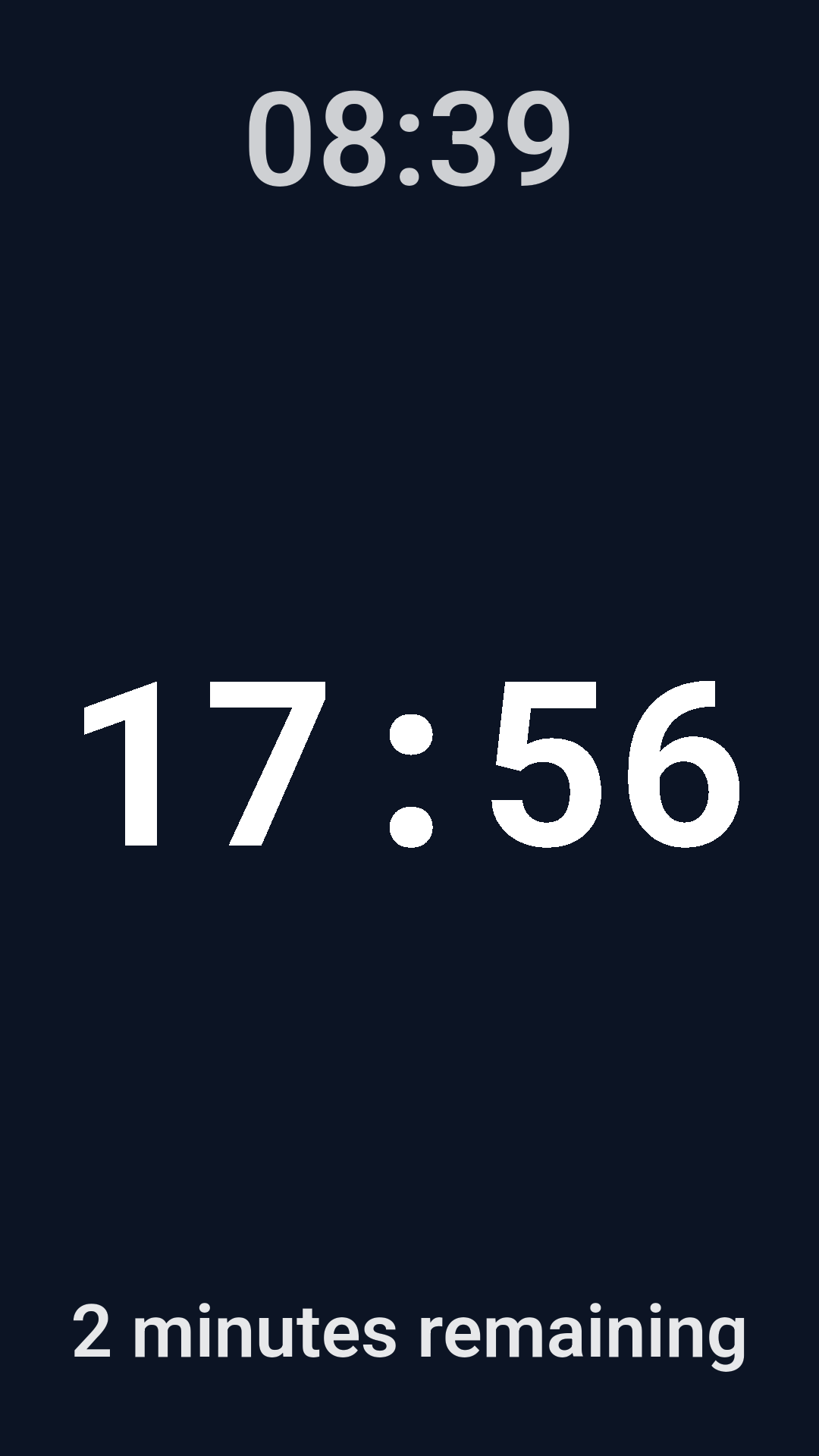
Give your speaker a clear view of the current time and remaining speaking time. A high-contrast stage display keeps the essentials easy to read.
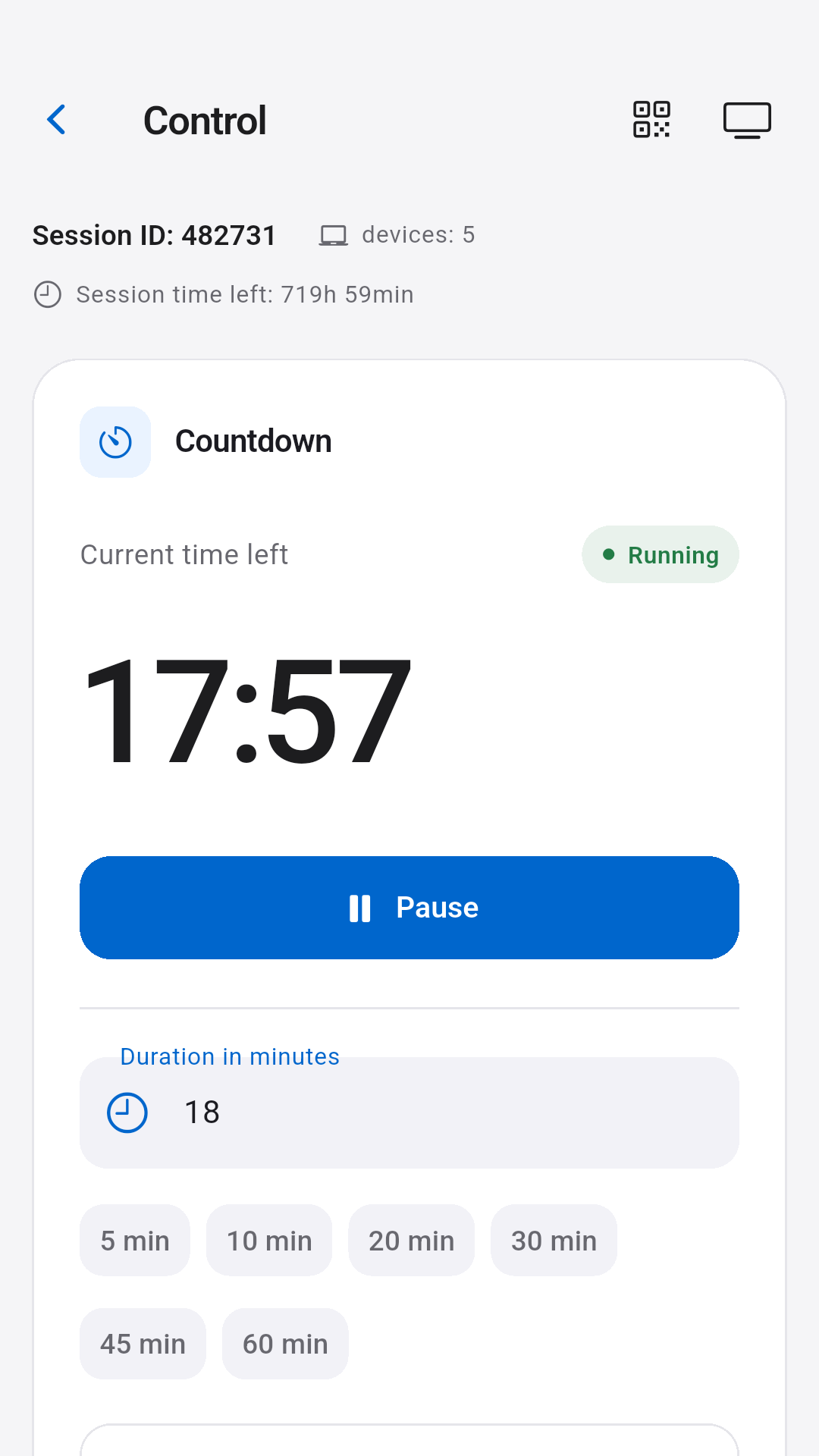
Set a countdown, start it, pause it and reset it from your control device. The connected presenter display updates with your changes.
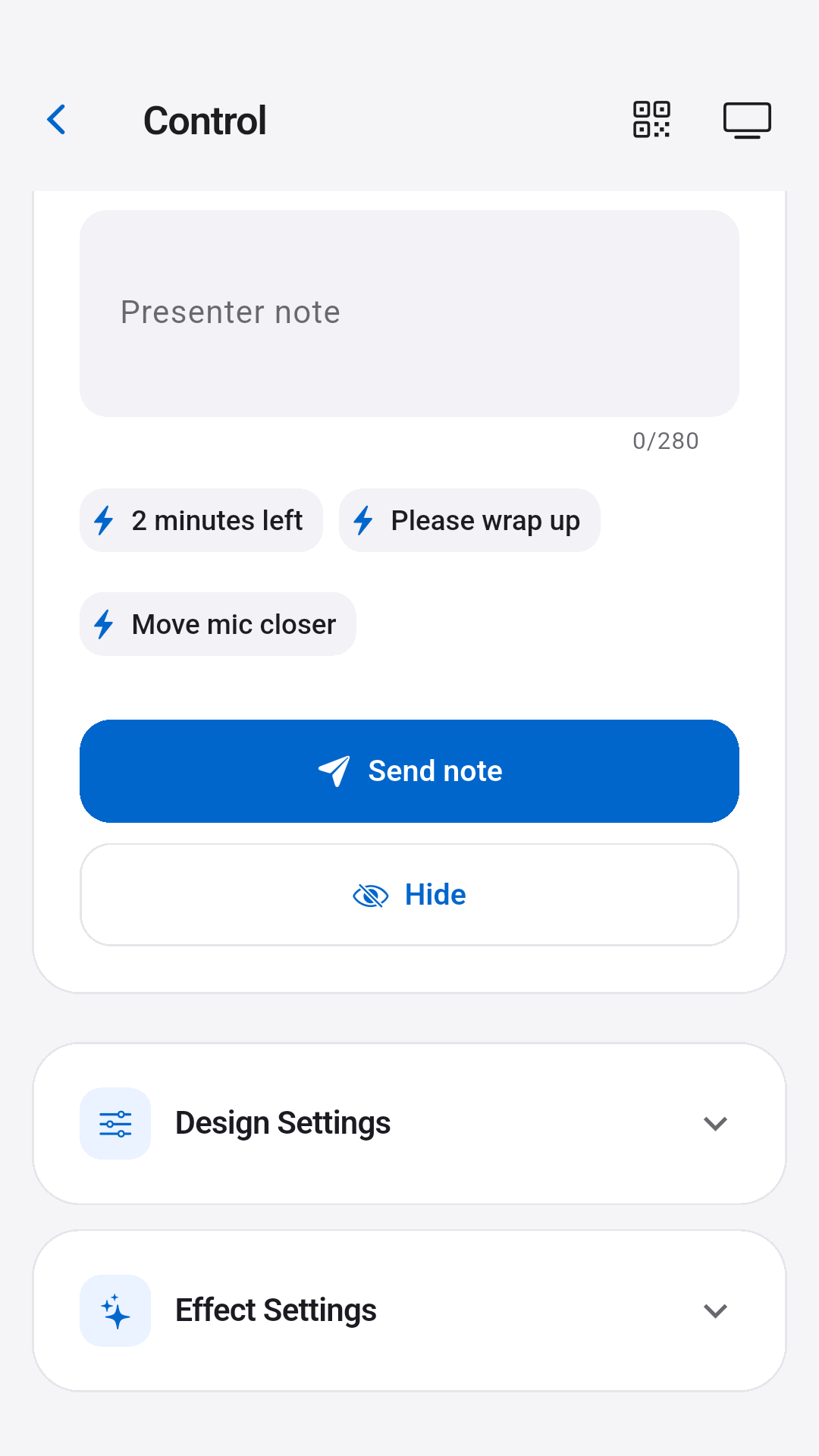
Send a short presenter note, such as “2 minutes left”. Help your speaker wrap up without interrupting the room.
FROM SETUP TO SHOWTIME
Open StageScreen and choose the control role. Create a session for your talk or event.
Join on another device using the QR code or session details. Choose the display role and place the screen in your presenter’s line of sight.
Set the speaking time and start the countdown. Adjust timing and send presenter notes as the event unfolds.
ONE APP. MANY STAGES.
Give speakers a clear finish line.
Keep the running order moving.
Make room for every part of the programme.
STAGESCREEN PREMIUM
For teams running bigger events: unlock more sessions and connected devices, session durations up to 30 days, and more ways to customise fonts and colours.
Explore Premium in the appGOOD TO KNOW
StageScreen is a stage timer app for presenters and event teams. One device controls the countdown and presenter notes; connected devices show the current time, remaining time and messages.
For remote control, use one device as the controller and another as the presenter display. You can switch roles in the app. This website’s demo shows both views together.
Yes. The app provides a separate QR code for the browser display, as well as a QR code for joining in the app. Open the browser link on your display device.
Yes. Connected devices need an internet connection to synchronise the session. Before an event, check the connection and your screen setup.
StageScreen has free access with limits on sessions, connected devices and customisation. Premium unlocks expanded features. Current pricing and purchase options are shown in the app.
StageScreen is available on Google Play for Android. The Google Play button takes you to device compatibility information and the current store listing.
A practical way to rehearse your talk, leave space for questions and use a stage countdown without rushing your audience.
How an event team can agree on timing cues, test the stage display and keep presenter messages easy to understand.
Your presenter stays focused. Your team stays in control.
Get it on Google Play